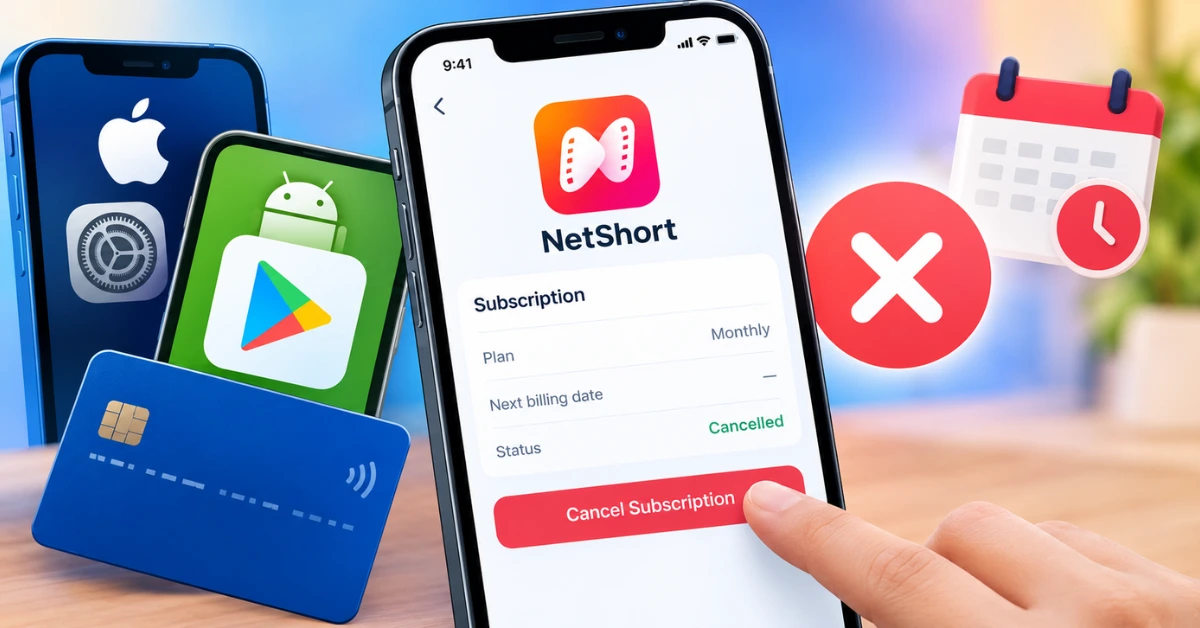
NetShort Subscription Cancellation Guide
How to Cancel NetShort Subscription?
Before following the steps, identify where you purchased your subscription. The device you currently use may not be the device or payment platform through which you originally subscribed.
| How you subscribed | Where to cancel |
|---|---|
| iPhone or iPad through Apple | Apple Account → Subscriptions |
| Android through Google Play | Google Play → Subscriptions |
| NetShort website or direct card payment | Relevant NetShort payment settings |
| Another payment provider | The provider managing your recurring payment |
If you are unsure, check your original purchase receipt or bank statement first. This helps you avoid trying to cancel through the wrong account.
How to Cancel NetShort Subscription on iPhone or iPad?
If Apple bills your NetShort subscription, you can cancel it through your Apple Account settings without needing to find a cancellation option inside the NetShort app. Follow these steps:
- 1Open the Settings app on your iPhone or iPad.
- 2Tap your name at the top of the screen.
- 3Select Subscriptions.
- 4Find and tap NetShort.
- 5Tap Cancel Subscription or the corresponding cancellation option.
- 6Follow any remaining prompts to confirm your decision.
After cancelling, return to the subscription details and check the displayed status or expiration date.
What if there is no Cancel Subscription button?
Apple explains that if the cancellation button is missing or an expiration message appears, the subscription may already be cancelled. Check the displayed status before taking further action.
If NetShort does not appear in the list, confirm that you are signed in to the Apple Account used for the purchase. You can also search your email for an Apple subscription receipt to identify the account associated with the payment.
How to Cancel NetShort Subscription on Android?
If you purchased NetShort through Google Play, cancel it from the Google Account associated with the subscription.
- 1Open the Google Play Store on your Android device.
- 2Tap your profile picture.
- 3Select Payments & subscriptions, then Subscriptions.
- 4Find and select NetShort.
- 5Tap Cancel subscription.
- 6Follow the on-screen instructions and confirm the cancellation.
- 7Reopen the subscription details to verify its status.
Make sure you complete the final confirmation step. Starting the cancellation process without confirming it may not stop future renewals.
What if NetShort is missing from Google Play?
Try the following checks:
- Switch to another Google Account if you use multiple accounts on your phone.
- Search your email for the original Google Play purchase receipt.
- Check whether the payment was made directly through NetShort rather than Google Play.
- Review your payment statement to identify the company processing the charge.
Google confirms that uninstalling an app does not cancel its subscription. If you have already deleted NetShort, you may still need to cancel the recurring payment through Google Play or the actual billing provider.
How to Cancel NetShort Subscription Paid by Card?
If you paid for NetShort directly using a debit or credit card, Apple or Google Play may not manage your subscription. You need to use the payment route associated with the original purchase.
NetShort's official payment page identifies card payments and instructs subscribers to turn off auto renewal through Settings at least 24 hours in advance. To proceed:
- 1Find the original NetShort payment receipt or card transaction.
- 2Confirm that the payment was processed directly through NetShort.
- 3Open the relevant NetShort payment or account settings.
- 4Look for the subscription or auto renewal management option.
- 5Follow the cancellation instructions displayed for your account.
- 6Save any confirmation and check the resulting subscription status.
The exact menu labels may vary and the available payment page information does not establish one universal sequence of buttons for every account.
If you cannot locate the auto renewal setting, contact NetShort support at netshortmodapk@gmail.com or use the feedback option in the app. Include your transaction reference and registered email where available, but never send your full card number or security code.
How to Turn Off NetShort Auto Renewal?
Turning off auto renewal prevents the subscription from automatically starting another billing period, provided the cancellation is completed successfully with the correct billing provider. The process depends on how you subscribed:
- Apple: Open your Apple Account's Subscriptions section and cancel NetShort.
- Google Play: Open the NetShort subscription details and complete the cancellation process.
- Direct payment: Use the applicable NetShort payment settings to turn off auto renewal.
For direct card payments, NetShort's payment page advises cancelling at least 24 hours before renewal. For an Apple free trial, Apple advises cancelling at least 24 hours before the trial ends if you do not want it to renew.
Do not wait until the last minute. Check the renewal date shown in your subscription details and allow sufficient time to complete the process.
How to Check Whether Your NetShort Subscription Is Cancelled?
After cancelling, verify the result rather than assuming the process was successful. Use this checklist:
- Check the subscription status: Look for a cancelled status or an expiration date instead of an upcoming renewal.
- Save the confirmation: Keep any confirmation screen or email you receive.
- Check the next billing date: Make sure the displayed details no longer indicate a scheduled renewal.
- Keep the purchase receipt: It can help identify the correct billing provider if a problem occurs later.
- Review subsequent transactions: If another payment appears, compare its date and status with your cancellation confirmation.
A confirmation email may be useful but its absence does not by itself prove that cancellation failed. The subscription status and the billing provider's records are more useful for determining what happened.
Why Is NetShort Still Charging You After Cancellation?
If you see another NetShort-related charge after cancelling, investigate the transaction before assuming that the cancellation was unsuccessful or that the charge was improper.
1. Check the cancellation date
Compare the date you cancelled with the transaction date and the subscription's renewal schedule. A payment may have been processed before cancellation was completed.
2. Confirm which provider billed you
You might have cancelled through Apple while a separate subscription was billed directly, or you might have multiple subscriptions associated with different accounts. Check the original receipt and payment statement.
3. Check whether the transaction is pending
A pending card transaction is not necessarily the same as a completed charge. Ask your bank or card issuer about the transaction status if it remains unclear.
4. Contact the relevant provider
If the subscription still shows an upcoming renewal, contact the provider that manages it. If you have proof of cancellation but a later charge was completed, provide the confirmation and transaction details when requesting an explanation.
If you believe a payment was unauthorized, ask your bank or card issuer about available recurring payment blocks and dispute procedures. The appropriate remedy depends on the transaction and your payment provider's rules.
Can You Get a Refund After Cancelling NetShort?
Cancelling a subscription and receiving a refund are separate processes. Cancellation generally addresses future renewals; it does not automatically reverse a payment that has already been processed. The appropriate refund route depends on who charged you:
- Apple billing: Visit Apple's billing and subscriptions support to find its refund request options.
- Google Play billing: Use Google Play's subscription help and follow its refund guidance.
- Direct NetShort payment: Contact NetShort support with your receipt, transaction date and a clear explanation of the refund you are requesting.
Explain whether the payment was an unexpected renewal, a duplicate transaction or a charge you do not recognize. Provide only the information needed to identify the purchase. Refund approval is not guaranteed. It depends on the provider's policies, the circumstances of the charge and any applicable consumer protections.
Conclusion
To cancel your NetShort subscription successfully, use the same billing provider that processed your original purchase. Check Apple Subscriptions on iPhone, Google Play Subscriptions on Android or the relevant NetShort payment settings for direct card payments.
After cancelling, verify the subscription status, save your confirmation and check your next renewal date. If another charge appears, investigate it with the billing provider rather than assuming that cancelling the app or deleting it has stopped future payments.
Frequently Asked Questions
Does deleting the NetShort app cancel my subscription?
No. Deleting the app does not cancel a Google Play subscription. If you subscribed through Apple or another provider, cancel through the provider managing your payment.
Can I cancel NetShort at any time?
You can generally initiate cancellation through the relevant billing provider but the applicable terms and deadlines matter. Check your next renewal date and complete the cancellation before the provider's stated deadline.
Will I lose NetShort access immediately after cancelling?
Not necessarily. Access may continue until the end of the current paid period, depending on the subscription terms. Check your account for the actual expiration date rather than assuming access ends immediately.
Why can't I find NetShort in my subscriptions list?
You may be signed in to the wrong Apple or Google Account or the subscription may have been purchased directly through NetShort. Check your receipts and payment statement to identify the original billing provider.
Do I need to contact NetShort customer support to cancel?
Not always. If Apple or Google Play manages the subscription, you can usually cancel it through that platform. Direct payment subscribers may need to use NetShort's payment settings or contact its support team if the cancellation option is unavailable.
What should I do if NetShort charges me after cancellation?
Save your cancellation confirmation, check the transaction date and status and verify which provider processed the payment. Contact that provider to investigate. If the charge appears unauthorized, ask your bank or card issuer about dispute options.
How can I cancel NetShort if I no longer have access to my account?
Start by locating your original purchase receipt or card transaction. Contact the billing provider identified by that evidence and explain that you cannot access the original account. If the subscription was billed directly, contact NetShort support with the relevant transaction details.